10 Best WhatsApp Automation Tools for Business in 2026
We tested the best WhatsApp automation tools of 2026 to see which actually scale. Ten official API platforms compared for faster, safer bot replies.

The best WhatsApp automation tools for your business in 2026 are:
- WeLoveJoe (Best overall)
- Manychat
- WAITI
- Twilio WhatsApp API
- Kommo
- Brevo
- Zoko
- Tidio
- Interakt
- Respond.io
WhatsApp has moved well past being a simple app for checking in with friends. It’s now a high-stakes sales channel where customers expect a reply before they even set their phone back down on the desk.
If you’re still typing out every single response by hand, you’re basically tied to your screen 24/7.
This manual approach is a fast track to burnout, and those slow follow-ups usually drive your best leads straight to the competition.
The fix for this is WhatsApp automation.
By moving your customer interactions over to a dedicated WhatsApp chatbot platform, you can finally stop the cycle of repetitive tasks.
We tested the best WhatsApp automations for business in 2026 and we’ll look at how a WhatsApp bot can manage your front desk and which setups work best for keeping your CRM updated without any extra data entry.
There’s a fit here for every business size, helping you stop chasing notifications so you can start closing deals.
Let’s dive in.
What is WhatsApp Automation?
WhatsApp automation is just handing off your customer chats to a software so you aren’t stuck glued to your phone all day. It takes over the job of typing out the same five answers over and over and gives it to a system that actually gets what people are asking.
Instead of one person struggling to keep up with a single conversation, you have a setup that handles hundreds of messages at once. No typos, no getting tired, and no coffee breaks needed.
If you want the deeper breakdown of what separates a free auto-reply from something that can actually book, check or update a real system, see how WhatsApp automation for customer service actually works before picking from the list below.
The technical side: APIs, bots, and workflows
The whole thing starts with the WhatsApp bot API. This is what connects your business number to a much more powerful system than the basic app you’ve got on your phone right now.
From there…
**…**you use a WhatsApp bot builder to map out the paths your customers take. Think of these workflows as a digital receptionist that just waits for specific keywords. Once it hears one, it triggers a response, like sending over a price list or checking an order status, without you having to touch a thing.
Why it actually matters:
- **Replies happen now:**Your customers get an answer the second they hit send. It doesn’t matter if it’s 3 AM or a holiday.
- **Qualifying leads:**The system handles those repetitive first questions to see if a prospect is a good fit before you even step in.
- **Sales on autopilot:**You can move someone from “how much is this?” to a booked meeting or a checkout with zero manual work.
- **Keeps your CRM clean:**Every bit of the chat goes straight into your database. Your sales team will actually know what’s going on for once.
Now, let’s go into the actual tools that make this happen…and more.
Types of WhatsApp Automation Tools
Choosing your tech really just comes down to how much you can or want to mess with code and how your team actually talks to people every day. Here are the four main buckets so you can figure out where you land before you start signing up for random trials.
WhatsApp chatbot platforms
Firstly, we have these all-in-one setups for teams that need to get moving fast without hiring a specialized developer.
You get a central dashboard where your staff can jump into chats while a WhatsApp automation tool handles the repetitive greetings and sorting in the background. Most of these come with built-in analytics, which is great because you can actually see how many leads your bot is converting without opening a single spreadsheet.
WhatsApp bot builders (no-code)
Then there are the visual tools, which are easily your best bet if you prefer a drag-and-drop approach over writing scripts. It’s the easiest way to build a WhatsApp bot for things like booking appointments or grabbing customer feedback without ever touching a line of JavaScript.
WhatsApp API tools for developers
For the businesses that need total control, going straight to the API is the only move that makes sense in 2026.
This lets your tech team bake messaging features directly into the software or databases you already use every day. It definitely takes more work to get it off the ground, but it gives you the freedom to create very specific triggers that a standard, off-the-shelf platform just won’t allow.
Marketing automation and broadcast tools
Finally, this type is all about reaching out to people rather than just waiting for them to text you first. You can send out shipping updates, mass alerts, or promos to your whole contact list at once through a WhatsApp automation tool.
Comparison of the Best WhatsApp Automation Tools
| Tool | Best for | Type | Key features | Pricing (Monthly) |
| WeLoveJoe | B2B and service-based teams | All-in-one Platform | AI Sales agent, unified CRM sync, and automated booking | $49 - $99+ (Est. based on similar AI platforms) |
| ManyChat | Creators and marketing teams | No-code Bot Builder | Visual drag-and-drop builder and automated marketing funnels | Starts at $15 (Scales by contact volume) |
| WATI | Customer support | Official API Platform | Shared team inbox and automated support ticketing | $49 - $119+ |
| Twilio | Custom workflows for developers | Developer API | Full API access and WhatsApp Business Calling | $0.005 per message (Plus Meta fees) |
| Kommo | Sales teams | WhatsApp-first CRM | “Salesbot” automation and visual pipeline management | $15 - $45 per user |
| Brevo | Lifecycle and multi-channel marketing | All-in-one Platform | WhatsApp + Email + SMS automation and advanced segmentation | $18 - $69+ (Starts free) |
| Zoko | Shopify store owners | E-commerce Sales Channel | Deep Shopify integration and abandoned cart recovery | $34.99 - $114.99+ |
| Tidio | Small to medium businesses | Live Chat + AI combo | AI support agent (Lyro) and very fast 10-minute setup | $25 - $59+ |
| Interakt | Entry-level B2C businesses | Affordable Outreach Tool | Direct Shopify/catalog sync and simple broadcast features | $12 - $69 |
| Respond.io | Large multi-channel teams | Omnichannel Inbox | Consolidated WhatsApp, IG, and FB inbox with advanced routing | Starts at $79 (Scales by Active Contacts) |
10 Best WhatsApp Automations for Business
1. WeLoveJoe (Best overall WhatsApp automation platform)
WeLoveJoe is essentially a high-end command center that combines a shared team inbox with a very capable AI agent.
It’s built for your business if you’re tired of jumping between different apps just to see if a customer got an answer.
The system picks up new inquiries instantly and uses a natural-sounding AI to handle the initial back-and-forth. You get a clean interface that feels familiar, making it easy to see exactly where every prospect is in your sales cycle.
Why it stands out:
- **AI sales and support:**The bot doesn’t just give canned answers. It actually understands context to resolve support tickets or push a sale forward.
- Deep WhatsApp integration: It uses the official API to keep your business number safe. This gives you access to advanced messaging features like interactive buttons and list menus that the standard app lacks.
- **Unified CRM and workflows:**Every conversation automatically syncs with your customer data. You never lose track of a lead’s history or specific preferences.
- **Automated booking:**WeLoveJoe can qualify a lead by asking a few specific questions. It then immediately sends over a link to book a meeting on your calendar without you doing a thing.
Best for:
- B2B companies
- Service-based businesses
- Scaling teams
2. ManyChat

Compared to WeLoveJoe which handles the entire sales cycle through its specialized AI agents and deep CRM sync, Manychat started out focused on other apps. But the current WhatsApp bot builder they’ve built is incredibly intuitive for anyone who hates staring at code. You can get a fairly complex sequence running in an afternoon because the interface is built for speed and visual planning.
What you get with this one:
- **Serious WhatsApp bot capabilities:**The platform handles everything from simple automated replies to complex multi-step conversations that feel smooth to the end user.
- **Broadcast campaigns and funnels:**You can blast out updates to your subscriber list or drop them into a long-term marketing funnel that triggers based on how they interact with your messages.
- **Drag-and-drop builder:**This is a purely visual tool where you move blocks around and connect them with lines to decide exactly how the conversation flows.
- **Native integrations:**It plays very nicely with other popular marketing tools, so you can move data between your WhatsApp automation tool and your email or CRM software without a headache.
Best for:
- Creators
- Marketing teams
3. WATI
WATI is built directly on the official WhatsApp Business API, which is the main reason people choose it for serious support. It gives you a professional level of stability that you just don’t get with “workaround” tools.
The whole thing centers around a shared inbox where your team can handle a massive volume of chats without losing track of who said what.
The features:
- **Official API foundation:**You get to use the real deal from Meta, so you can send bulk messages and use interactive buttons without getting your number banned.
- **Shared team inbox:**This lets a bunch of people log in at once to answer customers, so you aren’t stuck passing a single phone around the office.
- **Automation + ticketing:**You can set up basic replies for the easy questions and turn the harder stuff into tickets that stay open until someone actually fixes the problem.
Best for:
- Customer support
4. Twilio WhatsApp API
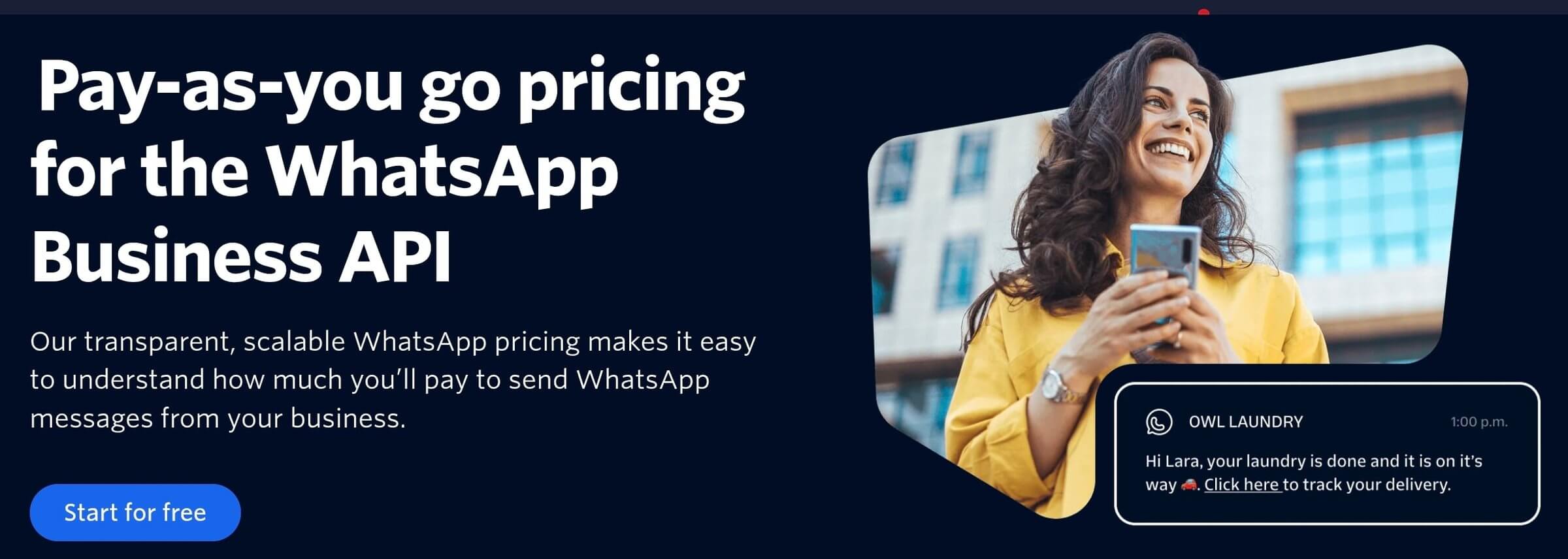
Twilio is basically the raw engine for you if you’re skipping the pre-made dashboards to go straight to the source.
It isn’t a “plug-and-play” app. Instead, you’re getting a big set of developer tools to build a custom WhatsApp automation tool from the ground up. You’ll have the building blocks to bake WhatsApp directly into your own software, proprietary apps, or internal databases.
The technical breakdown:
- **Full WhatsApp bot API access:**This allows you to build anything from a simple alert system to a high-end AI agent without a middle-man interface getting in your way.
- **Highly customizable:**Since you’re writing the logic yourself, you can create very specific triggers. You can link your chat flows to your own private servers or legacy CRMs in ways that standard tools simply won’t allow.
- **Requires dev resources:**There is no drag-and-drop builder here. Your team will be writing the scripts and managing the webhooks to make the automation actually function.
- Latest Features: They’ve recently rolled out WhatsApp Business Calling, which lets you jump from a text chat to a voice call in the same thread.
Best for:
- Custom workflows
5. Kommo
Kommo is a CRM that basically lives inside WhatsApp rather than just connecting to it. Every text you get shows up as a lead card in a visual pipeline. This makes it easy to see exactly who needs a follow-up and who is ready to buy without you having to dig through a cluttered inbox.
The actual setup:
- **Native CRM with WhatsApp chatbot integration:**The WhatsApp bot, they call it a Salesbot, lives right in your CRM fields. It can even move a lead to a new sales stage automatically based on what they type.
- **Sales pipeline automation:**This keeps the deal moving while your team focuses on hotter prospects.
- **Lead tracking and follow-ups:**You can see when a lead clicked an ad, what they asked the bot, and exactly when your sales rep took over. It all stays on one screen so nothing gets lost.
Best for:
- Sales teams
6. Brevo
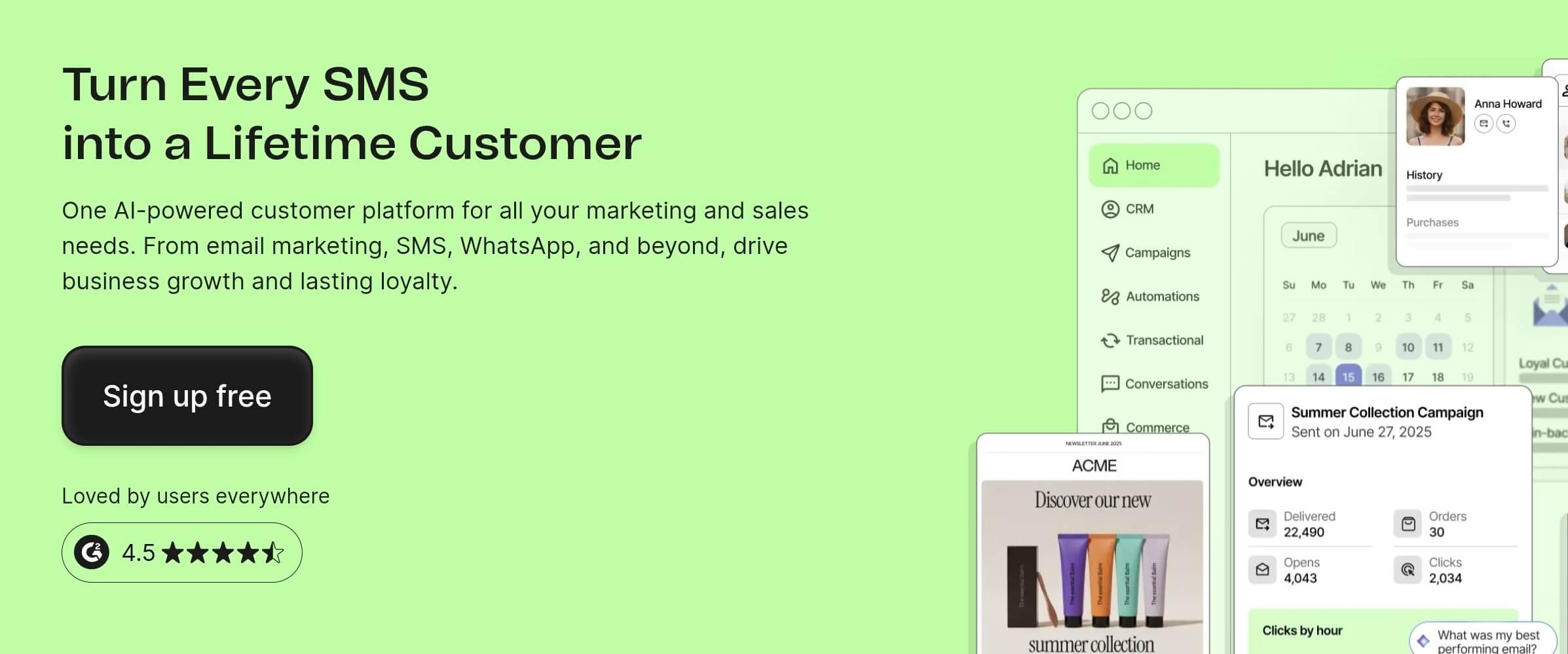
Brevo is basically the platform you pick when you’re tired of paying for five different subscriptions just to run a basic marketing blast. It’s an all-in-one setup that lets you manage your messaging from a single login.
It’s a hack for keeping your branding consistent across every channel without jumping between ten different tabs.
The actual features:
- WhatsApp + email + SMS automation: If someone doesn’t open an email, the system can send a WhatsApp nudge two days later to keep things moving.
- **Campaign and segmentation tools:**You can filter your audience by their past purchases or even their location. This means you aren’t spamming your entire list. You’re only sending deals to people who are actually likely to buy.
Best for:
- Lifecycle marketing
7. Zoko
Zoko is your best bet if your entire business lives on Shopify. It isn’t trying to be a general messenger for every random industry. Instead, it’s built specifically to turn your WhatsApp account into a direct sales channel.
You get a single dashboard where your whole team can jump into chats and handle orders without constantly toggling between different browser tabs.
The actual setup:
- **Shopify-focused WhatsApp automation:**This integration goes deep into your store data. It keeps the whole e-commerce automation loop inside the messaging app.
- **Abandoned cart recovery:**You can set up automated messages that trigger the second someone leaves the checkout page. Since WhatsApp has much higher open rates than a standard email, you have a much better shot at getting those customers to actually come back and finish their purchase.
- **Order updates and upsells:**You can use the system to push out automated shipping confirmations or tracking numbers. Once a customer is happy with their delivery, the tool can suggest related products based on their specific order history.
Best for:
- Shopify store owners
8. Tidio
Tidio is great with getting a support team up and running in about ten minutes. It skips all those bloated enterprise features that just get in the way of basic tasks. Instead, you get a clean way to manage incoming messages while letting a bot handle the repetitive questions that usually clog up your inbox.
It’s a great pick for smaller teams that need to stay responsive without hiring a full-time support staff just to answer FAQs.
The actual setup:
- **Simple WhatsApp bot builder:**You can build your own chat flows using a visual drag-and-drop editor. You can test your paths in real-time to make sure the logic actually works before you push it live to your customers.
- **AI chatbot + live chat combo:**Their AI can actually read your support documents and answer questions based on your own data. If the bot gets stuck or a customer starts getting frustrated, it instantly hands the conversation over to a human agent.
- **Easy setup:**You don’t have to deal with complex API keys or coding. You just install the plugin or add a small snippet of code to your site and you’re good. You can connect your business account and start taking queries through the dashboard almost immediately.
Best for:
- Small to medium businesses
9. Interakt

Interakt is the one we’d recommend if you’re trying to keep overhead low. It strips away the unnecessary fluff you see in some high-end enterprise tools, giving you a straightforward path to manage your WhatsApp presence.
Since we used it for basic outreach, it was clear that it’s built for teams that need to be functional immediately without a six-month onboarding process.
The actual setup:
- **Broadcast and CRM-lite features:**This is a solid way to use an affordable WhatsApp automation tool to keep your database organized without paying for a separate, expensive system.
- Automated workflows: You can set up basic replies for when your team is busy. It handles the first greeting and can even grab basic info from the customer before a human jumps in.
- **Simple integration:**It connects easily to major e-commerce platforms. You can sync your catalog and push out automated order updates or shipping alerts.
Best for:
- Good entry-level option
10. Respond.io
We love how Respond.io stopped the constant app-switching. If you’re talking to customers on WhatsApp, Instagram, and Messenger all at once, this is the fix. It pulls every single conversation into one dashboard so your team stays sane.
It keeps you from missing a reply just because it came in on a different platform.
The actual toolkit:
- **WhatsApp + Instagram + Messenger:**You connect all your social accounts to one inbox. It prevents the customer from having to repeat themselves.
- **Workflow automation engine:**This handles the boring task of sorting and tagging conversations. It lets your staff focus on actual problem-solving instead of manual data entry for multi-channel messaging.
- Strong integrations: This platform plays well with tools like HubSpot or Salesforce. You can sync customer data across your whole stack. It helps keep your operations organized without much effort.
Best for:
- Larger teams and multi-channel businesses
Key Features to Look for in a WhatsApp Automation Tool
Forget the basics. If you’re looking at these automation tools, you’re likely trying to solve specific bottlenecks in your workflow. Here’s a shortlist of what you need to verify before you invest in one.
If broadcast and campaign tools aren’t the point and you specifically need something that can act, not just send, see our narrower breakdown of AI agent platforms for WhatsApp, with real 2026 pricing pulled straight from each vendor’s site.
- **Official WhatsApp Business API access:**The official API lets you scale your messaging strategy safely, gives you that green checkmark, and ensures your messages actually land in the inbox instead of being flagged as spam.
- **No-code bot builder:**You shouldn’t have to call a developer just to change a “Hello” to a “Hi.” A solid visual builder lets your marketing team drag and drop logic paths themselves. It’s the difference between waiting a week for a fix and updating your checkout flow in five minutes.
- **AI chatbot capabilities:**Simple keyword bots are dead. You need a system that understands intent so it can handle a customer asking “Where is my stuff?” without them needing to type the exact word “tracking.” It qualifies leads and fixes basic problems 24/7 so your human staff doesn’t burn out on FAQs.
- **CRM integration:**A chat tool that doesn’t talk to your database is just another silo. Your agents need to see a customer’s full order history and previous tags the second a chat opens. It keeps everything synced with Shopify or HubSpot, meaning nobody has to ask *“What did you buy again?”*for the third time.
- **Broadcast and campaign tools:**This is your revenue driver. You want to be able to segment your list and blast out a promotion to the people who are actually likely to buy, not just spam everyone. It lets you run targeted flash sales and track exactly who clicked through and who ignored you.
- **Analytics and reporting:**You can’t fix what you aren’t measuring. You need a clear view of your response times, open rates, and how many people are dropping off in your bot flows. The data tells you if your automation is actually saving you time or just frustrating your customers.
WhatsApp Automation Use Cases

It’s easy to get lost in the tech, but the real value is just getting the manual work off your plate. We’ve seen these specific setups save the most time for teams that are actually scaling.
- Lead generation and qualification: Instead of a boring form, a bot can just start a chat. It asks a couple of quick questions to see if the person is a real buyer before a human even has to look at the notification. This saves the sales team from wasting hours on “just looking” inquiries.
- **Appointment booking:*You can just let the customer pick their own slot in the chat. It syncs with your calendar and sends the confirmation instantly. No more“Does Tuesday at 2 PM work for you?”*emails that take three days to resolve.
- **Customer support automation:**A bot handles the 2 AM questions about your return policy or office location. If the issue is actually complicated, it passes the thread to a real person. This keeps the inbox clear and the customers happy because they aren’t waiting six hours for a simple answer.
- Order updates and notifications: This is the most basic messaging strategy but it works. You push out the shipping alert or the “out for delivery” text automatically. It stops the flood of “where is my package” messages that usually kill a support team’s productivity.
- Marketing broadcasts: You can blast a single promo or update to your whole list. Since people actually check WhatsApp, it doesn’t just sit in a “Promotions” tab like an email. It’s a very fast way to drive sales for a flash event.
- **Sales follow-ups:**If someone asks about a price but goes quiet, the system can nudge them two days later. It’s low-pressure. It gives them a chance to ask one last question or grab a discount code before they forget about you.
How to Choose the Right WhatsApp Automation Tool
Don’t just grab the first clean-looking dashboard you see. If you’re planning to scale, you need a WhatsApp automation tool that handles the technical heavy lifting without getting your account nuked by Meta. These are the five things we actually look for before we put a credit card down.
Business size and use case
You have to look at your actual message volume before signing up. A small boutique might only need the basic Business App for FAQs, but a global store needs a team-based inbox that can handle thousands of daily chats.
Choosing a tool designed for your specific scale stops you from overpaying for enterprise features you won’t ever touch.
Technical vs no-code needs
Decide if your marketing team is building this or if you have a developer on standby. Most modern platforms offer a visual builder where you can drag and drop chat flows without touching a single line of code.
Budget
Look at the total cost beyond the monthly sub. You want a predictable pricing model so your bill doesn’t explode after a successful marketing push.
Integration requirements
Your e-commerce automation shouldn’t exist on an island. It needs to pull data from your CRM or store platform so your agents aren’t manually typing in order numbers.
Scalability
You need a platform that grows with you. Check if the tool lets you add more seats or advanced features as your volume increases. You don’t want to spend weeks on setup only to outgrow the system’s capacity in six months and have to start the whole process over.
Benefits of WhatsApp Automation for Business
Once you get these systems running, the payoff will show up in your daily workload almost immediately. Moving past manual replies lets you see exactly how much revenue you were leaving on the table just by being slow.
Higher response rates
People actually check WhatsApp within seconds. Unlike marketing emails that usually just sit unread in a “Promotions” tab for days, automated messages on this platform actually get seen and read almost instantly.
This leads to much more active conversations because you’re meeting customers on the one app they already open dozens of times a day.
Faster conversions
You can have a bot answer pricing or stock questions the second a lead asks them. Since you aren’t making them wait four hours for a human to get to their desk, you catch them while they’re actually in the mood to buy.
It’s easily the most effective way to stop people from jumping over to a competitor’s site while they wait for a reply.
Reduced manual workload
Your team shouldn’t be wasting their energy typing the same five answers to the same five questions all day long. Automation handles the boring stuff like sending out order confirmations or return instructions without anyone needing to lift a finger.
This leaves your staff free to handle the high-value deals or the weird, one-off problems that actually require a human brain to fix.
Better customer experience
Nobody likes being left on “seen” for half a day when they have a simple question. Automated replies give your customers that instant answer they want, even if they’re messaging you at 3 AM on a holiday.
Plus, with Meta making utility templates free within open 24-hour service windows as of early 2026, you can provide this 24/7 service without blowing your budget.
Scalable communication
You can talk to ten thousand people at once with the same amount of effort it takes to message ten. As your business grows, you won’t have to hire a new support person for every hundred new customers you bring in.
The software does the heavy lifting so your e-commerce automation setup stays lean even when your sales volume starts to skyrocket.
FAQs
What is WhatsApp automation?
It’s basically just using software to handle your chats and outbound messages on autopilot so you aren’t stuck typing the same five replies all day long. A bot takes over the repetitive conversation flow and tasks without you ever needing to touch a phone.
Is WhatsApp automation allowed?
Yes, but you have to use the official WhatsApp Business API or you’re asking for trouble. If you try using unauthorized “scrapers” or unofficial hacks in 2026, Meta’s newer, more aggressive detection systems will likely ban your business number permanently before you even realize what happened.
What is the best WhatsApp chatbot platform?
WeLoveJoe is a top choice for a lot of teams right now, though ManyChat and WATI are still solid if you have a specific budget in mind. You really just want to pick the one that plugs into your current CRM without needing a developer to spend weeks on the setup.
Can I build a WhatsApp bot without coding?
Definitely, because most modern platforms use a visual, drag-and-drop builder so you can design complex logic paths without ever looking at a line of code. It makes it easy for a marketing team to update their e-commerce automation flows in just a few minutes.
How does WhatsApp chatbot integration work?
The software connects directly to the WhatsApp API to act as the brain for your account, sending and receiving data in real-time. This connection lets your bot trigger specific actions, like pulling an order status from your store and showing it to a customer the second they ask.
What is the WhatsApp Business API?
This is the official technical interface Meta built for businesses that need to send high volumes of messages or run complex bots at scale. It’s the only legitimate way to get a verified green checkmark and the only way to stay compliant with the new
FAQ
What is WhatsApp automation?
Using software to handle your chats and outbound messages so nobody types the same five replies all day. A bot takes over the repetitive conversation flow and tasks. It runs through the official WhatsApp Business API, which is what the tools in this guide connect to.
Is WhatsApp automation allowed?
Yes, as long as you use the official WhatsApp Business API. Unauthorized scrapers or unofficial hacks risk Meta banning your business number permanently, often before you notice. Every platform ranked in this guide connects through the official API, so your number stays compliant.
Can I build a WhatsApp bot without coding?
Yes. Most modern platforms use a visual, drag-and-drop builder, so a marketing or support team can design complex logic paths and update flows in minutes without a developer. Check the builder in a trial before you commit, since the quality of that editor varies a lot between tools.
How does WhatsApp chatbot integration work?
The software connects to the WhatsApp API and acts as the brain for your account, sending and receiving messages in real time. That connection lets the bot trigger actions, such as pulling an order status from your store and showing it to the customer the moment they ask.
What is the WhatsApp Business API?
The official technical interface Meta built for businesses that send high volumes of messages or run bots at scale. It is the only legitimate way to get a verified green checkmark and stay compliant, which is why every serious automation platform is built on top of it.