Auto Reply DM Instagram: Turn Comments Into Conversations
Auto reply on Instagram works two ways: a public reply or a private DM from a comment. Here is how triggers work, what Meta allows, and how to set it up.
It’s 9:40pm. Your reel about the spring offer has 47 comments, and 31 of them say “price?” The price is in the caption, which nobody reads, and by tomorrow lunch 31 people will have asked someone else.
An auto reply DM Instagram setup fixes that exact night, and the search hides two different tools: a reply under the comment, or a private message to the person who wrote it. Joe, our AI agent, does both from one trigger. Below is how each works, what Meta allows, and how to set it up without sounding like a robot handing out coupons.
To auto reply to an Instagram comment with a DM, connect a professional account to a tool that receives comment events through Meta’s official API, then set a trigger (a keyword, an exact word or an intent) and choose a public reply or a private DM. Meta allows one private message per comment, sent within 7 days.
What can you actually auto reply to on Instagram?
Customers reach a business on Instagram in three places: a DM, a reply to a story, and a comment under a post or a reel. Each one has a different answer to “can this be automated”.
| Where the customer writes | What the native tools do | What a connected agent adds |
|---|---|---|
| Direct message | Instant reply, away message, a few saved questions, the same text for everyone | Reads the actual question, answers from your own information, books, escalates |
| Story reply | The same instant reply as any DM | Knows which story it was about and answers in that context |
| Comment on a post or reel | Nothing we have seen beyond moderation | A public reply, a private DM, or both, started by a trigger |
Instagram’s own tools handle the DM side well enough for one job: telling people you are closed and when you will be back. If your whole need is opening hours and an address, stop here and keep your money. The part Instagram does not hand you is the comment, and the comment is where the buying intent shows up in public.
Meta Business Suite and the in-app settings do require a professional account (business or creator). Switching is free and takes a minute. A personal profile cannot receive the events any of this depends on.
Comment to comment, or comment to DM?
Both start the same way: someone comments, the comment matches a rule, and an answer goes out. The difference is where the answer lands.
| Public comment reply | Private DM reply | |
|---|---|---|
| Where it shows up | Under the comment, visible to everyone | In the commenter’s DMs, visible to them only |
| Good for | A short answer that also works as proof to the next reader (“Yes, we open at 8 on Saturdays”) | A link, a price, a booking, an address, anything personal |
| Main limit | Two sentences before it feels like a wall in a comment thread | One message until the person answers |
| What happens next | If the same person comments again on that post, Joe answers again in the thread | The conversation continues in DMs like any other Joe conversation |
Our rule of thumb: anything with a link or a number goes in the DM, anything that would help the next stranger reading the thread goes in public. A “price?” comment answered publicly with a price is fine until the 30th identical reply makes your post look like a price list. Answered privately, it starts a conversation you can actually sell inside.
A public reply and a private DM are also not exclusive. You can run two triggers on the same keyword, one that thanks them under the comment and one that sends the details.
How does comment-to-DM work under the hood?
When a comment lands on a professional account, Instagram sends a webhook to the connected tool (the comments field in Meta’s Instagram webhooks). The tool checks the comment against your triggers. If one matches, it replies to that comment id with a private message.
That comment id is the whole trick. You cannot DM a stranger who never wrote to you, but a comment counts as an invitation, and Meta’s rules for it are short and strict. From Meta’s private replies documentation:
- The message must be sent within 7 days of the comment, for posts, ads posts and Reels. For live videos, only while the broadcast is running.
- Only one message can be sent to the person who commented.
- If the person answers, you can continue the conversation inside the 24-hour messaging window.
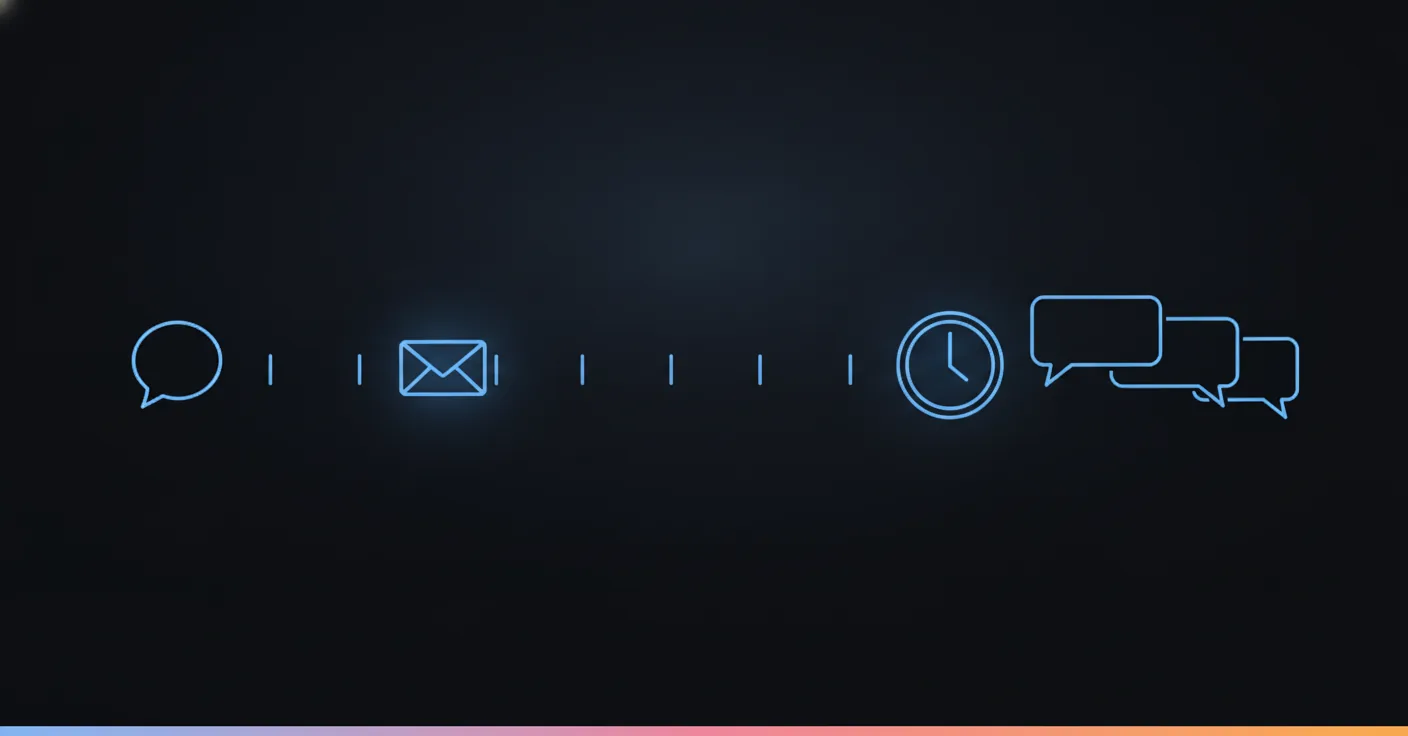
The first DM has to earn a reply, because you get one shot. A message that ends with “Let us know if you have questions!” gives the customer nothing to answer, the window never opens, and your next message is not allowed. A message that ends with “Do you want the monthly or the annual price?” opens it.
Seven days is also a deadline, not a suggestion. A trigger switched off over a long weekend leaves comments you can still answer on Monday. A trigger forgotten for two weeks leaves comments you can never answer privately.
How do you set up auto reply DM Instagram in Joe?
Six steps. The first one is the only one that happens outside Joe.
- Switch to a professional account if you have not. Business or creator both work.
- Connect Instagram to your agent. It is one tap through Instagram’s own login. Joe never asks for your password, and it posts nothing on your grid.
- Create an Instagram trigger in the agent’s trigger settings. Give it a name and one sentence of context describing why it exists (“People comment WASPS on our reel about nest removal”). That sentence travels with the conversation, so the agent knows why this person is writing.
- Pick how comments match. Three modes, covered below.
- Pick the reply type and the text. Public comment reply or private DM, written by you or by the agent.
- Pick the delay. Immediately, or 5, 15, 30 or 60 minutes.
Then test it from a second account. Joe skips comments written by the business account itself, so commenting from your own profile proves nothing.
The three ways a comment can match
Keyword fires when the comment contains one of your words anywhere, in any capitalization. It is a plain “contains” check, so price also fires on “priceless” and on “why is there no price in the caption”. Good for broad nets, bad for anything where a wrong DM is embarrassing.
Exact match fires only when the whole comment is your word. A comment of exactly GUIDE sends the guide. A comment of “where is the guide” does not. This is the safest mode, and the right one for any “comment this word and I will send you X” post, because you told people what to type.
Intent is for the comments nobody typed on purpose. You describe the intent in a sentence (“the person is asking about pricing”) and a model reads each comment against it. “How much”, “tarif?”, “is this expensive” and “cost for two people” all count. It costs a model call per comment, so we use it where the phrasing varies, and exact match where it does not.
The matching only runs on a person’s first comment on a post. After that, the same person commenting again on the same post continues the thread instead of being matched again.
Written by you, or written by the agent
A predefined reply is one text you wrote. It can use two variables, {{username}} for the commenter’s handle and {{comment}} for what they wrote. Example:
Hi {{username}}, thanks for asking. The spring package is €149 for the first visit and includes the consultation. Do you want me to check this week’s slots?
An AI-written reply is generated per comment from your instructions, the trigger’s context sentence and the agent’s own personality, so it can answer the specific thing the person wrote.
We lean predefined for the first DM and AI-written for public replies. The first DM carries a price or a link, and you want those exactly as you wrote them. A public reply to “does this work on sensitive skin?” needs to mention skin, which a canned line cannot.
Why the delay setting exists
Immediately is right for a DM: the person is still looking at your post. For a public reply, a short delay makes a thread look like a person was reading it. If 40 people comment the same keyword in a minute, 40 identical replies in the same second look like a machine because they are one.
What happens after the first reply?
This is where a trigger tool and an agent part ways. A trigger tool sends its message and the flow ends. Joe’s trigger is the front door to a conversation.
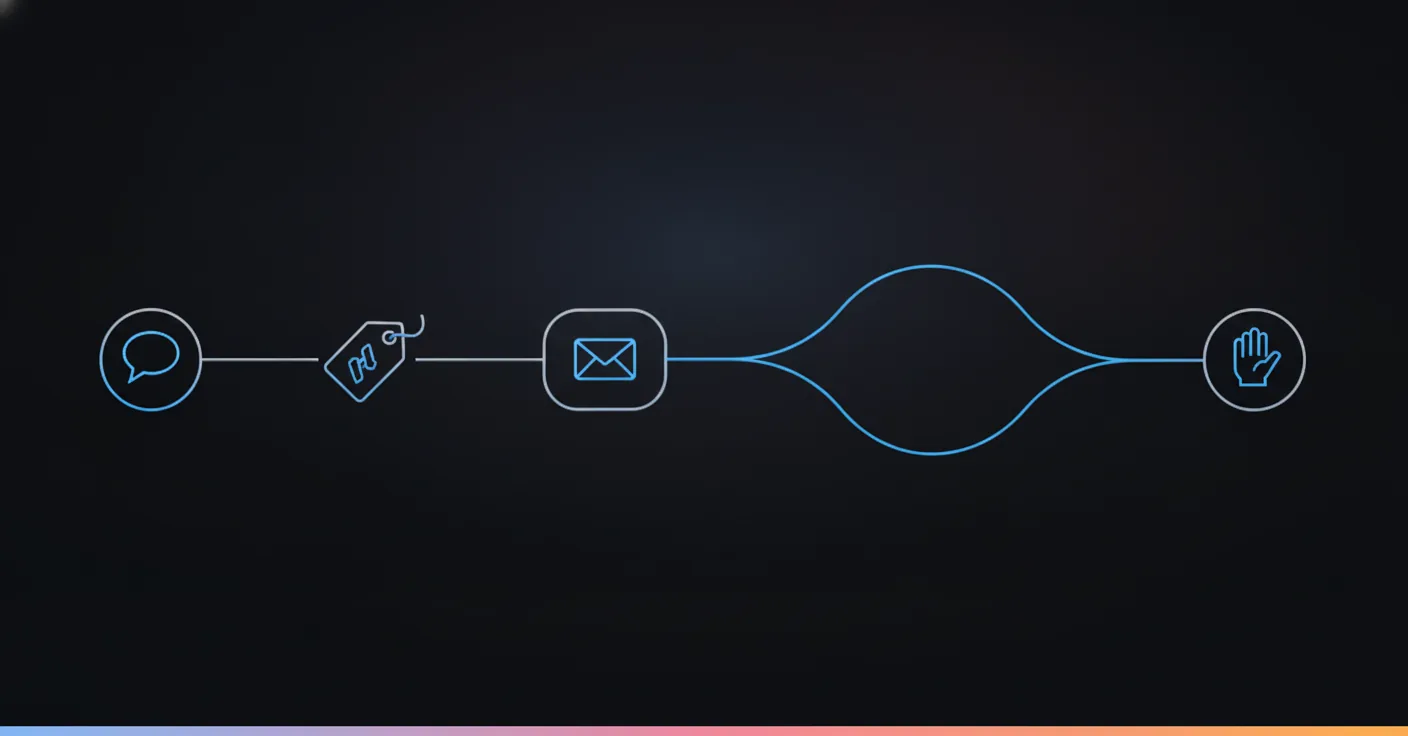
When the customer answers the private DM, it runs through the same conversation flow as every other Joe conversation: the knowledge base, the booking step, the questions it asks before acting, and the rules for handing over to a person. Conversations from all channels, Instagram included, land in the same unified inbox, and you can step into any thread and Joe pauses on it.
For public replies, the thread works the same way in miniature. When the same person comments again on that post, the flow answers each new comment in that thread, as a short comment (one or two sentences), rather than starting from scratch. Each of those replies is billed like any other reply, since the agent is doing real work in each of them.
That is also the point at which deterministic flows matter. The risk of an AI answering comments in public is not that it sounds bad, it is that it invents something. A refund policy, a discount, a medical claim. Joe’s conversations run on a defined flow with rules for what it may say and when to hand over, and the model only works inside those guardrails. We wrote more about that in how AI agents work on WhatsApp, and nothing about it changes on Instagram.
What does a full example look like?
Here is a demo, not a customer. Bramwell & Sons is the pest control company we use in demos. Their reel shows a wasp nest being removed from a loft, and the caption says “Think you have one? Comment WASPS.”
The trigger is exact match on WASPS, set to private DM, immediately. The context sentence says: “The person saw our nest removal reel and wants help with wasps.”
The commenter gets this:
Hi {{username}}, Bramwell & Sons here. Is the nest inside the house or outside, and is anyone in the house allergic to stings?
Two questions, because one of them is urgency. A nest above a child’s bedroom is a today job, a nest in the garden shed is a Thursday job, and the agent needs to know which before it offers a slot. The customer answers, which opens the 24-hour window, and the conversation continues in the flow: it qualifies the urgency, offers the earliest slot that fits, and books it. You can also set the flow to hand over to a person the moment a message mentions a sting or an allergic reaction, instead of continuing to book.
Nobody had to be awake for any of it. On the aesthetic clinic account we published, 813 of 2,011 conversations (40%) arrived outside opening hours, which is roughly how much of your comment traffic is also happening while your team is not there.
What goes wrong with Instagram auto replies?
Five mistakes, in the order we see them.
A keyword that is too broad. info fires on “informative”, “information” and “I found this really informative!” The last one gets your sales DM. Use exact match where you told people what to type, and intent where you did not.
One DM that ends without a question. Covered above. It wastes your single allowed message.
The same text, every time. A hundred people receive an identical private message with the identical emoji pattern. People screenshot these. Use {{username}} or {{comment}} so each one reads as written for them, or let the agent write it.
No way out. Comments include complaints. An automated cheerful reply to “this was the worst service I have had” is worse than silence. Escalation is not a failure, it is the agent doing its job, so route negative comments to a person.
Forgetting what Meta limits. Seven days, one message, 24 hours after the reply. A tool that tells you otherwise is hiding the rule or breaking it.
Is this allowed, and will Instagram penalize it?
Sending private replies through Meta’s API is the documented way to do this, and it is the route Joe uses. We cannot promise anything about your account in particular, and we will not quote you a ban rate, because nobody outside Meta has one.
What we can say is where the line sits. Meta’s rules give you one private reply per comment and a time limit, and a tool built on the official API works inside those. Tools that drive the Instagram app itself, or that send bursts of identical messages, are the ones that put accounts at risk. If a vendor cannot tell you which of the two it is, ask.
Native auto reply, a trigger tool, or an AI agent?
| Instagram and Meta Business Suite | Keyword-trigger tool | AI agent (Joe) | |
|---|---|---|---|
| Replies to DMs | Same text for everyone | Mostly rule-based flows | Reads the question, answers from your information |
| Starts a DM from a comment | Not that we have seen | Yes, the core feature | Yes, public reply or private DM |
| Handles the conversation after | No | Follows the flow you drew | Runs a defined flow, uses your knowledge base, books, escalates |
| Setup | Minutes | A flow per keyword | A trigger plus one agent that serves every channel |
| Fit | Opening hours and an address | Giveaways, lead magnets | Support, bookings and sales across channels |
A keyword-trigger tool is the right buy if all you do is give away a guide when people type a word. We compared the main options in our ManyChat alternatives guide, and for plain comment-to-DM giveaways several of them are fine. Where they stop is the second message. When the customer replies “do you do evenings?”, the flow either has a branch for it or it does not.
Joe is the agent that keeps going from there, across Instagram and every other channel. Plans start from €59 a month, and you pay for the conversations it handles, not a seat per person. You can see a live agent on the demo page before connecting anything.
What should the first automated DM say?
Four starters, one per kind of business. Edit them until they sound like you.
Gym or studio:
Hi {{username}}, here is the schedule you asked about: classes run Monday to Saturday, first one at 6:30. Want me to book you a free trial class? Tell me which day suits you.
Clinic or salon:
Hi {{username}}, thanks for your message. The consultation is free and takes 20 minutes. Do you prefer a weekday morning or an evening slot?
Real estate:
Hi {{username}}, the apartment you commented on is still available. Are you looking to visit this week, or would you like the floor plan first?
Shop:
Hi {{username}}, the jacket comes in S to XL and ships in two days. Which size should I check for you?
Each one gives something and asks something, and none of them says “Thanks for reaching out!” because the person did not reach out to say thanks.
What to automate and what to keep human
Automate the questions you have answered 40 times this week: price, opening hours, availability, address, how to book. Keep a person on anything that involves a complaint, a medical or legal question, a refund, or a customer who is clearly upset. Those are the comments where one wrong automated line is remembered.
The easiest way to hold that line is to decide it before you switch anything on. Write down the five comments you would never want a machine to answer, and make them the escalation rule. Ten minutes of that is worth more than any message template.
If you want to see it in practice, connect an Instagram account to a test agent, comment from a second account, and watch what lands in the DM. The first conversation is the best argument for or against.
FAQ
Can you set up an auto reply for DMs on Instagram?
Yes, and there are two levels. Instagram and Meta Business Suite give you a basic instant reply, an away message and a few saved questions, all sending the same text to everyone. A tool connected through Meta's official API goes further: it can read what the person actually wrote, answer from your own information, and start a DM from a comment.
How do you automatically send a DM when someone comments on your post?
You connect a professional Instagram account to a tool that receives comment events from Meta, then set a trigger and a private reply. When a comment matches, the tool sends one DM to the commenter using the comment itself as the permission. In Joe, the trigger lives in the agent's settings and you choose between a public reply and a private DM.
Is there a free way to auto-DM commenters on Instagram?
Not a fully free one that we can vouch for at volume. Instagram's own tools cost nothing but focus on DMs, so check what yours offers for comments today. Third-party tools usually have a free tier capped by contacts or messages, and the cap tends to bite exactly when a reel takes off. Joe starts from €59 a month and charges for the conversations it handles, not per seat.
Is auto replying on Instagram allowed?
Replying through Meta's official API is the documented route: Instagram sends your tool a webhook for the comment and the tool answers with a private reply. What gets accounts into trouble is scripting the app itself or blasting identical messages to everyone. We cannot promise anything about a specific account, but staying inside Meta's rules (one private reply per comment, 7 days, 24 hours after the customer answers) keeps you on the supported path.
Does auto reply work on Reels comments, or only on posts?
Both. Meta's private reply rules cover comments on posts, ads posts and Reels, within 7 days of the comment. Live comments are different: a private reply is only possible while the broadcast is running.
What should the first automated DM say?
One useful thing and one question. Give the answer or link the commenter was after, then ask something that is easy to answer, like which option they want. The question matters for a mechanical reason: the customer's reply opens the 24-hour window in which you can keep the conversation going.
How do I stop an auto reply from looking like spam?
Write the message the way a person at your front desk would, use the commenter's first name or what they wrote, and keep the keyword narrow enough that only the right comments fire it. An exact-match trigger like a single word is the safest. Add a short delay on public replies so a thread does not fill with identical answers within a second.